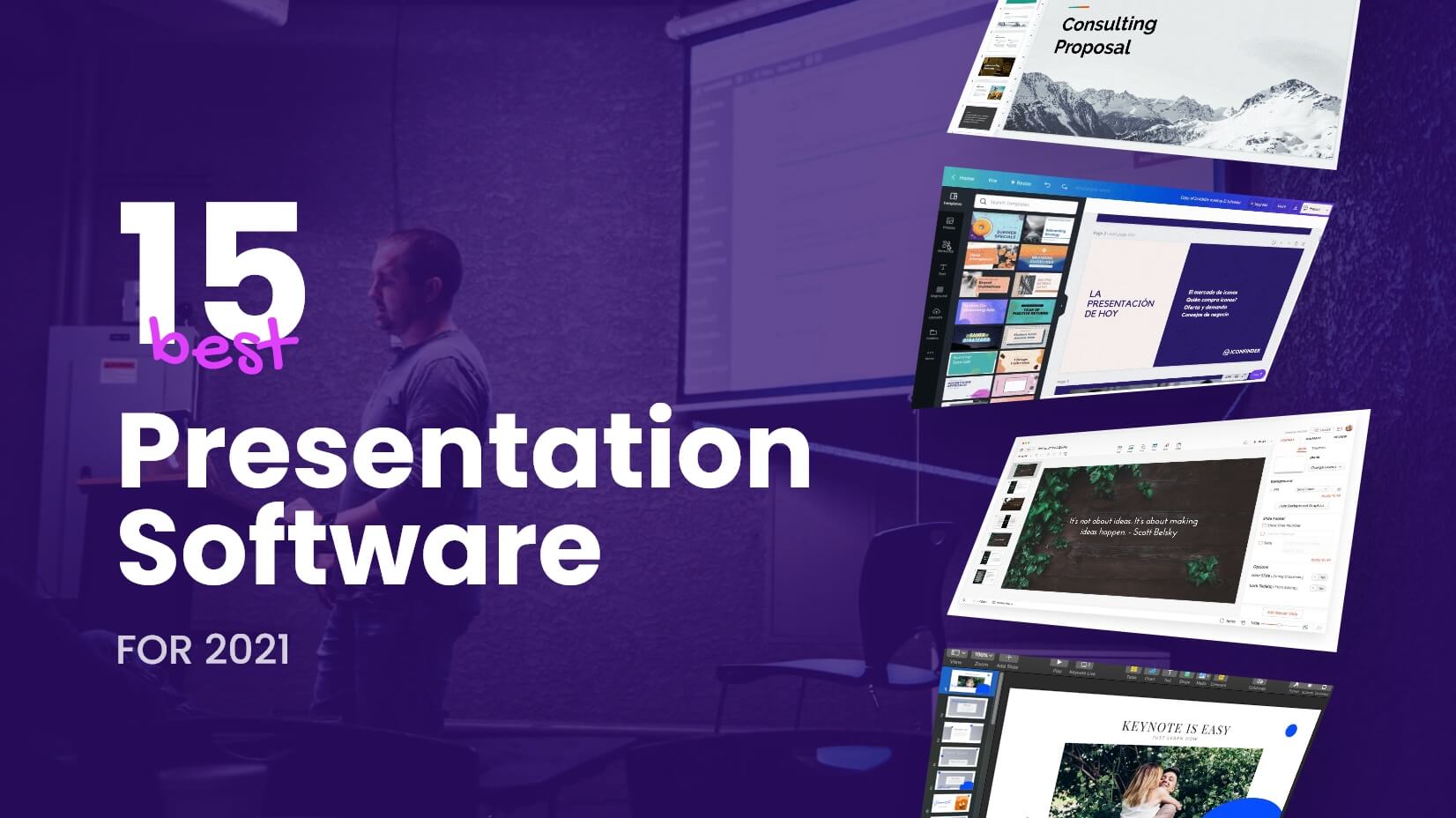
10 Tips for Creating Stunning Presentations That Captivate Your Audience
Creating stunning presentations is an art that can significantly enhance your audience's engagement. Here are 10 tips to help you captivate your audience:
- Know Your Audience: Tailor your content to their interests and knowledge level.
- Use High-Quality Visuals: Incorporate relevant images and infographics to complement your message.
- Keep Text Minimal: Use bullet points and keep text concise to maintain focus.
- Choose the Right Fonts: Use clear and legible fonts that match your presentation's tone.
- Maintain a Consistent Theme: Use a unified color palette and layout throughout the slides.
Further, engaging presentations stimulate interaction. Here are five more tips to ensure your presentations leave a lasting impact:
- Practice Your Delivery: Rehearse your presentation multiple times to gain confidence and fluidity.
- Incorporate Stories: Use personal anecdotes or case studies that resonate with your content.
- Invite Questions: Encourage audience interaction to create a more dynamic atmosphere.
- Use Multimedia: Integrate videos or audio clips to enhance your storytelling.
- End With a Strong Conclusion: Summarize key points clearly and provide a call to action.
How to Use Visual Storytelling to Enhance Your Slides
Visual storytelling is a powerful tool that can elevate your presentations by transforming ordinary slides into engaging narratives. By incorporating visuals such as images, infographics, and videos, you can create a compelling story that resonates with your audience. Start by identifying the key message of your presentation and think about how you can represent this message through visuals. For instance, if you're presenting data, consider using charts or graphs to illustrate trends or comparisons instead of merely listing numbers. This approach not only makes your content more digestible but also captures the attention of your audience.
In addition to visuals, the structure of your slides plays a crucial role in enhancing your storytelling. Implement a clear visual hierarchy by using headings, subheadings, and bullet points to guide your audience through your narrative. To maintain engagement, aim for a balance between text and images, ensuring that each slide supports the overall flow of your presentation. Remember, the goal is to create an immersive experience; therefore, you might want to include quotes or powerful testimonials related to your topic to further deepen the emotional connection with your audience. This combination of storytelling and strong visuals can significantly impact how your message is received.
Common Presentation Mistakes to Avoid for Maximum Impact
Making an impactful presentation requires careful attention to detail, yet many presenters undermine their own efforts by falling into common traps. One frequent mistake is overloading slides with text. Attendees can quickly become disengaged if they are faced with slides that are cluttered with jargon and lengthy paragraphs. Instead, aim for a clean and concise layout that emphasizes key points. Utilize bullet points or images to convey your message effectively while keeping the audience's focus on you, the speaker, rather than reading from a wall of text.
Another critical error is failing to rehearse the presentation. Lack of preparation can lead to disorganized thoughts and a diminished ability to connect with the audience. Make it a priority to practice multiple times, and consider seeking feedback from a friend or colleague. This will not only boost your confidence, but it will also help you identify any weak areas that need improvement. Remember, a well-rehearsed presentation allows for better timing, smoother transitions, and maximum impact to engage and captivate your audience.