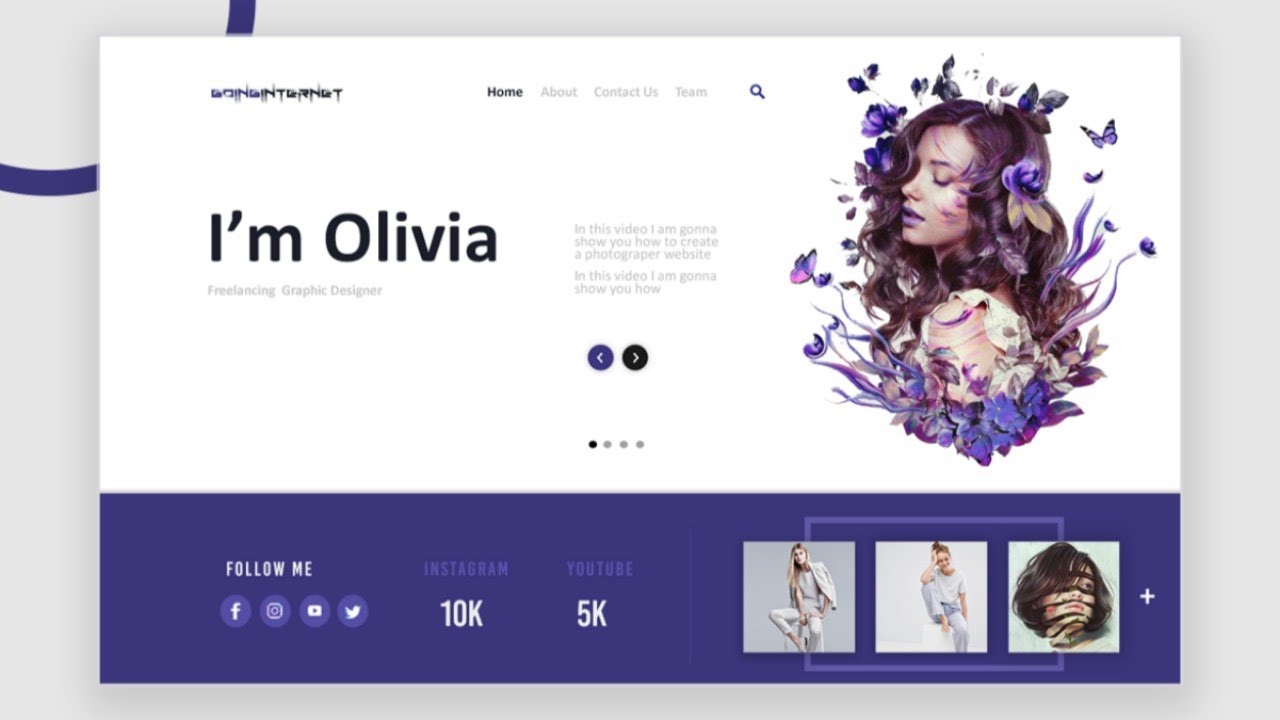
Understanding Color Theory in Web Graphics: The Key to Stunning Designs
Understanding color theory is essential for creating stunning web graphics that not only captivate attention but also convey the right message. Color theory encompasses the principles and guidelines that govern the use of colors in design, ensuring a harmonious and appealing visual experience. By mastering the color wheel, designers can effectively choose complementary, analogous, or triadic color schemes that enhance aesthetic appeal. This knowledge allows for the selection of colors that evoke specific emotions, making it a crucial element in achieving desired responses from users.
Moreover, the psychology of color plays a pivotal role in how viewers perceive a brand or website. For instance, warm colors like red and orange can create excitement and urgency, while cool colors such as blue and green promote calmness and trust. When implementing color theory in web graphics, consider the target audience and the intended message to ensure that color choices align with user expectations. By integrating these principles, web designers can forge a strong emotional connection with their audience, making color theory the key to stunning and effective designs.
10 Tips for Creating Eye-Catching Web Graphics That Engage Users
Creating eye-catching web graphics is essential for capturing user attention and enhancing engagement on your website. Here are 10 tips that can help you design graphics that not only look great but also attract and retain visitors:
- Understand Your Audience: Knowing who your audience is will guide your design choices, ensuring you create visuals that resonate with them.
- Use High-Quality Images: Avoid pixelated or low-resolution graphics. High-quality images contribute significantly to the overall aesthetic of your site.
- Incorporate Brand Colors: Using your brand's color palette will create consistency across your web graphics, helping users associate visuals with your brand.
- Utilize White Space: Don’t overcrowd your graphics. Ample white space allows your designs to breathe and enhances readability.
- Choose Typography Wisely: Select fonts that are easy to read and align with your brand identity.
Effective graphics not only draw users in but also convey your message clearly. Here are more tips to further improve your web graphics:
- Incorporate Call-to-Actions (CTAs): Use graphics to guide users towards desired actions, whether it’s signing up, purchasing, or reading more.
- Leverage Infographics: Infographics can summarize complex information into digestible visuals, making your content more shareable.
- Keep It Simple: Less is often more in graphic design. Focus on a clear message and avoid clutter.
- A/B Test Your Graphics: Experiment with different designs to see which ones engage users more effectively.
- Stay Current with Trends: Following design trends can inspire your graphics while ensuring they remain modern and appealing.
How to Optimize Web Graphics for Fast Loading Times Without Sacrificing Quality
In today's digital landscape, optimizing web graphics for fast loading times is crucial for improving user experience and boosting SEO rankings. First, consider using the right file format for your images. JPEG is ideal for photographs due to its rich color depth, while PNG works well for images requiring transparency. Additionally, utilizing modern formats like WebP can significantly reduce file sizes without compromising quality. To further enhance loading speeds, employ compression tools to minimize graphics size. Tools like TinyPNG and ImageOptim can help compress images effectively while retaining their visual integrity.
Another effective strategy is to implement responsive images. By using attributes such as srcset and sizes in your HTML, you ensure that the browser loads the appropriately sized image for the device being used, which can drastically reduce loading time. Furthermore, consider lazy loading for images that are not immediately visible on the user's screen. This technique allows images to load only when they are needed, thereby improving initial load speeds. Lastly, always test your webpage's performance using tools like Google PageSpeed Insights, which can provide actionable insights to help you further refine your graphics for optimal performance.